
Not all photos need retouching, though. Some just need to be brought back to life. The dullness of an old family photo, sketch, damaged postcard, or piece of vintage art may hide a memory that needs to be resurrected.
And that is where image recoloring comes in. With the right technology, you can bring back the warmth of the skin, the blue of the sky, or the petals of the flowers or transform a classic black-and-white painting into something entirely different.
With Dreamina, you can achieve all of this easily and quickly. Instead of painstakingly coloring every part of the photo, you can use a free AI art generator to give your picture a new lease on life.
Choose the best settings and add your own personal touch to create amazing pieces of art from the images stored in your archive.
Let’s look at how the process works.
When Faded Memories Meet Fresh Color
The first thing that happens to old photos is that they lose their contrast. Then they lose details. Finally, they lose any emotional power they had.
Consider:
- A black and white wedding photo enhanced by golden yellow colors
- An old street restored with red buses and blue shop windows
- A black pencil drawing turned into a watercolor painting
- An old, damaged postcard colored with vibrant summer colors
Colors help us establish our connection to the scene. Colors will let your eyes see clothes, surroundings, faces, and even the atmosphere.
Recoloring is Not Always About Restoring, But Also About Storytelling
Sometimes you do not need historical accuracy. Sometimes you wish to get something more out of an old photograph than just facts.
Then recoloring an old photograph can transform it into:
- A majestic work of art with colorful clothes
- A dreamy picture with light blue skies
- A cinematic work filled with shades and shadows
- A futuristic scene with neon accents
- A romantic old picture with pinkish colors
Now, when you recolor an old photograph, you make artistic decisions, not restorative ones.
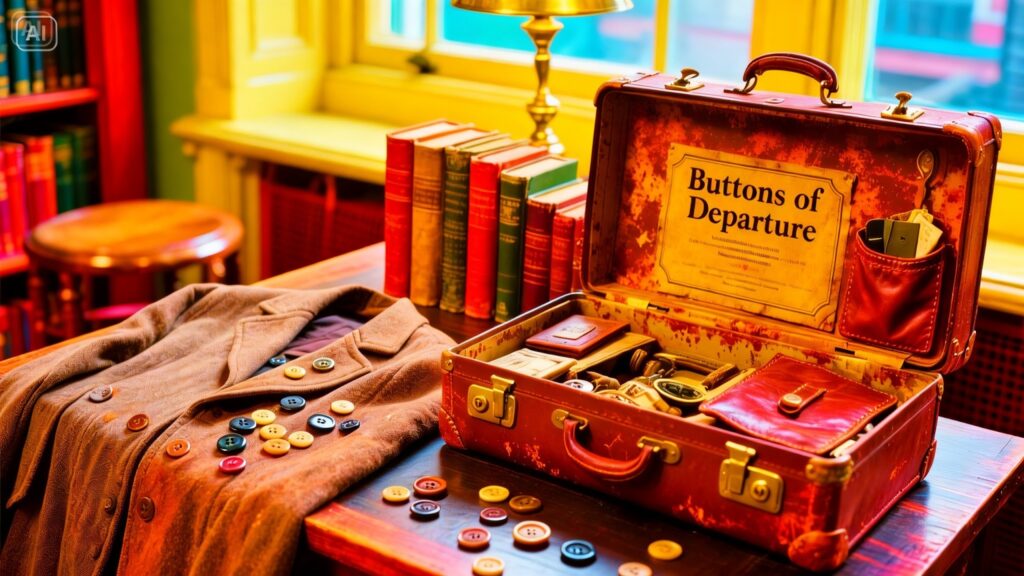
Small nuances that help colors appear convincing
Good recoloring isn’t defined by saturation but balance. Inconsistent loudness will never lead to realistic images. Top-notch AI solutions always focus on minor realistic features.
Pay attention to:
- Realistic skin tone and variations
- Cool shadows without color casts
- Fabric-related clothing colors
- Background hues without overwhelming facial elements
- Lighting affecting color choice
Even the most dramatic fantasies look great when there’s lighting logic left.
GET IN TOUCH
Schedule a Meeting for SEO
A Magic Lab: Produce High-Quality Recolored Art Using Dreamina
Instead of laboring on brushes and painting all night long, you can optimize your workflow with Dreamina. Provide guidelines, configure parameters, polish nuances, and watch your image change.
Painting The Past With Pixels
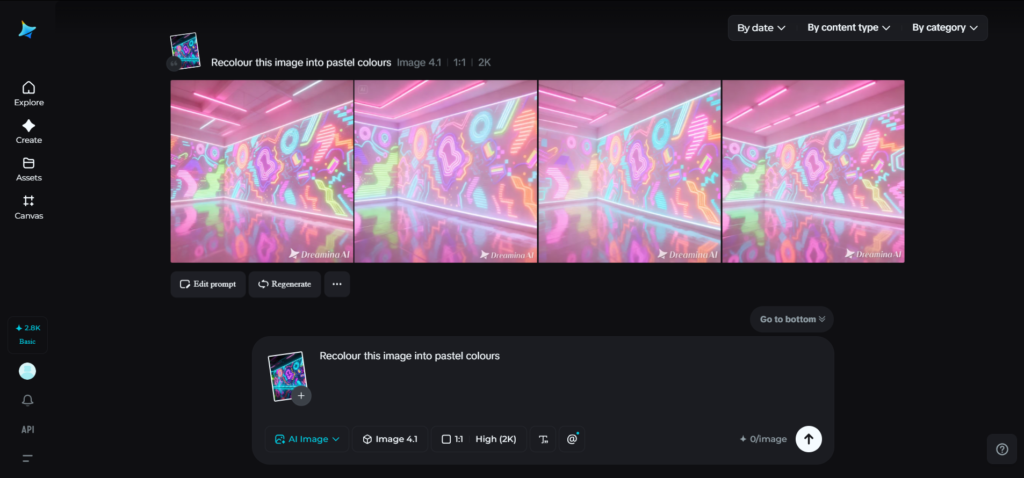
Step 1: Text Prompt
Open up Dreamina and start with an extensive description of a person in clothes characteristic of the time period you choose. Describe the type of clothing, the time period, atmosphere, light, etc.
For example: Recolor this image into vibrant neon colors.
Step 2: Modify Parameters And Generate
Select an appropriate model in terms of restoration or artistic art creation. Adjust the aspect ratio based on portrait, square, or landscape photo format.
Determine the size and resolution of the photo needed, where 1k may be used for testing or 2k for final use. When satisfied, click on Dreamina to generate recolored images.
Step 3: Customize And Download
With the help of editing tools available, adjust the photo according to your liking. Inpaint will enable you to correct odd areas, while expand allows you to make changes to the composition by adding more area around the photo.
The removal tool will eliminate any unwanted elements, and the retouch tool will restore the skin tone or lighting of the face.
Choose a Recolor Style That Conveys a Particular Atmosphere
A palette conveys its own story. Think about how you wish your audience to be affected before you start recoloring.
Warm Heritage Colors
Great choice for family portraits, weddings, and other emotional pictures. Brown, cream, muted gold, and soft red will bring warmth.
Realistic Restoration
The best way to get documentary-like photographs. Greens, natural skin color, and neutral hues ensure realism.
Dreamy Pastels
If you are planning to make romantic, child, or fantasy art, this is the right choice. Soft lavender, peach, light blue, and pink will bring dreaminess.
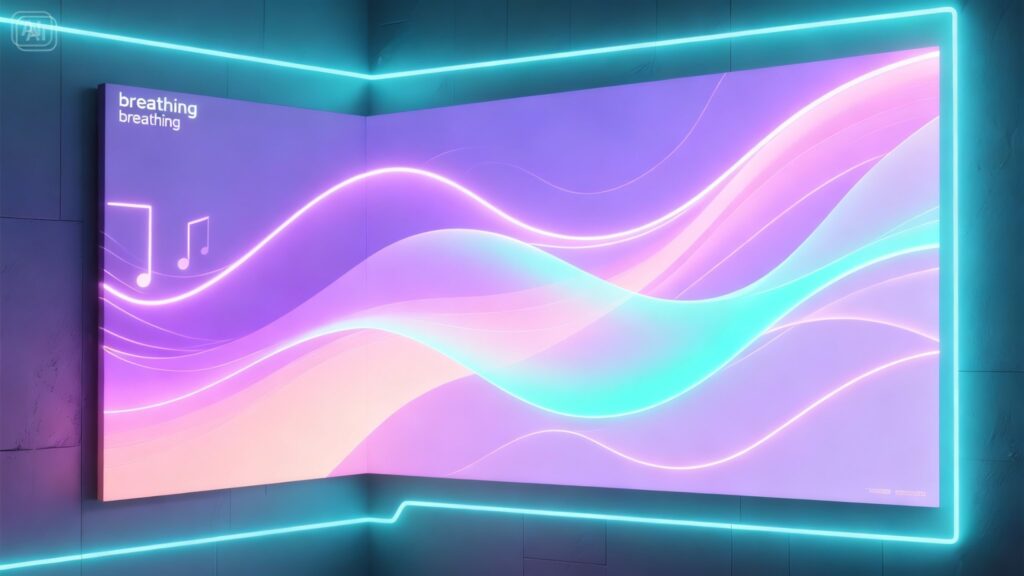
Movie Poster Shades
Teal shadows, amber highlights, and high contrast bring movie poster vibes.
Artistic Pop Colors
Make your old image look like modern art using bold reds, bright blues, and contrast.
Repair Damaged Photos and Low-Resolution Images as Well
There might be many reasons why your images are damaged. This includes scratches, stains, blur, and missing parts.
Enhance your edits using AI tools to:
- Minimize scoring and dust marks
- Clean up tears
- Subtly soften facial features
- Restore faded edges with color
- Enhance contrast prior to coloring
It lays a better groundwork for colored details not to rest atop any imperfections.
Transform Restored Photos Into Modern Portraits
The edited portrait could have other applications after restoration. The picture of one’s grandparent may result in an eye-catching poster frame. The portrait of oneself from childhood could be used as a stylish social media profile picture. Historical characters can also be given a modernized version through editing their portraits.
Artists use recolored portraits together with AI avatar generator to craft professional-looking social profiles that incorporate vintage styles but maintain a modern aesthetic.
It’s an engaging process of connecting history with one’s identity.
Make Vintage Artwork Come Alive Again
The restored artwork isn’t limited to personal archives. Vintage posters, product labels, travel advertisements, and promotional banners could serve as creative inputs for artists’ projects. Here are some possible uses for the edited vintage artworks:
- Café wall art
- Event invitations
- Product design ideas
- Social media nostalgia content
- Mood boards
The restored retro logo could serve as inspiration for some new branding concepts to design with the help of an AI logo generator for a company that prefers retro aesthetics.
From Static Images to Movie Concept Scenes
Recoloring art can be a basis for creating scenes in a movie concept. A restored portrait, landscape painting, or movie poster can be inspiring when you create new scene images using either texts or pictures for your project. Recoloring will give you more atmosphere, richer colors, and emotions than a faded original picture.
Thus, just one restored image can be a key to the whole creative concept.
Errors That Ruin Recolored Images
No matter how advanced any software can be, it still takes a sense of taste. Don’t fall into these mistakes:
- oversaturation of skin tones
- neon sky in realistic scenes
- too many colors in play
- neglect of shadowed areas
- making everything equally bright
Good recoloring is always selective.
Why Recolored Images Evoke Such Strong Emotions
There is a unique sense in observing the past through colored glasses. It reduces the gap that exists between time periods. The people depicted in historical portraits no longer remain strangers from history books but gain reality and immediacy.
This applies equally to any type of artwork. Even the faded drawings seem more vivid, while the dusty postcards become places we might visit. Colors add authenticity.
This emotional response is what makes recoloring so intriguing for many people.
Your Next Transformation Project Is Right Here
An ancient photo kept in a drawer. A monochromatic portrait stored on your mobile device. An old print damaged over time. All of these are candidates for your next creation. Using Dreamina, you don’t need advanced drawing techniques or lots of time spent editing. Your creativity just needs a direction.
With Dreamina, you will be able to transform old photographs or paintings into colorful works of art. Select the picture, decide on its atmosphere, and add some colors.